



Carlinkit T2C Tesla Apple CarPlay Adapter
GUARANTEED SAFE CHECKOUT
☑︎ Free Online Upgrade
☑︎ 30-Day Returns
☑︎ 1-Year Warranty
What is the Carlinkit T2C Tesla Apple CarPlay Adapter?
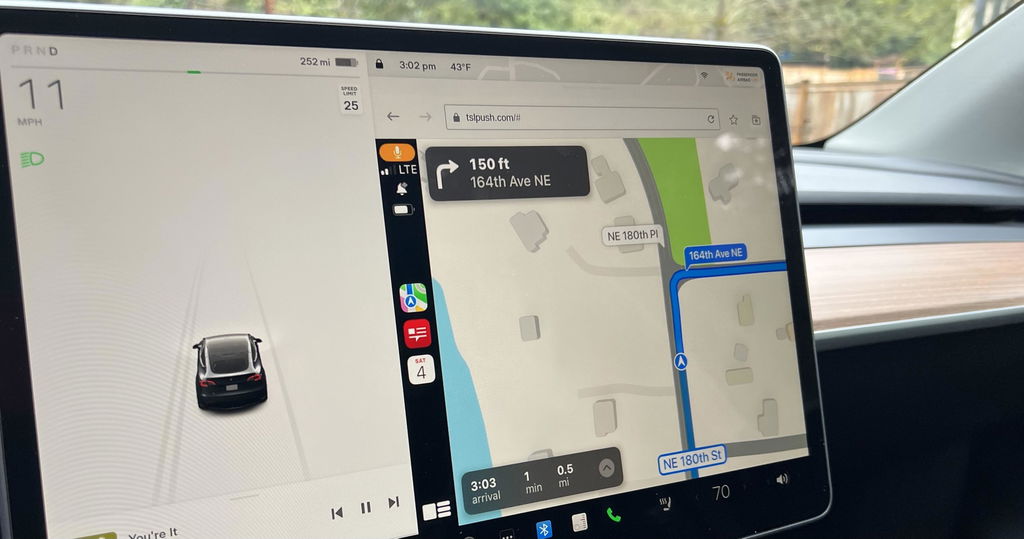
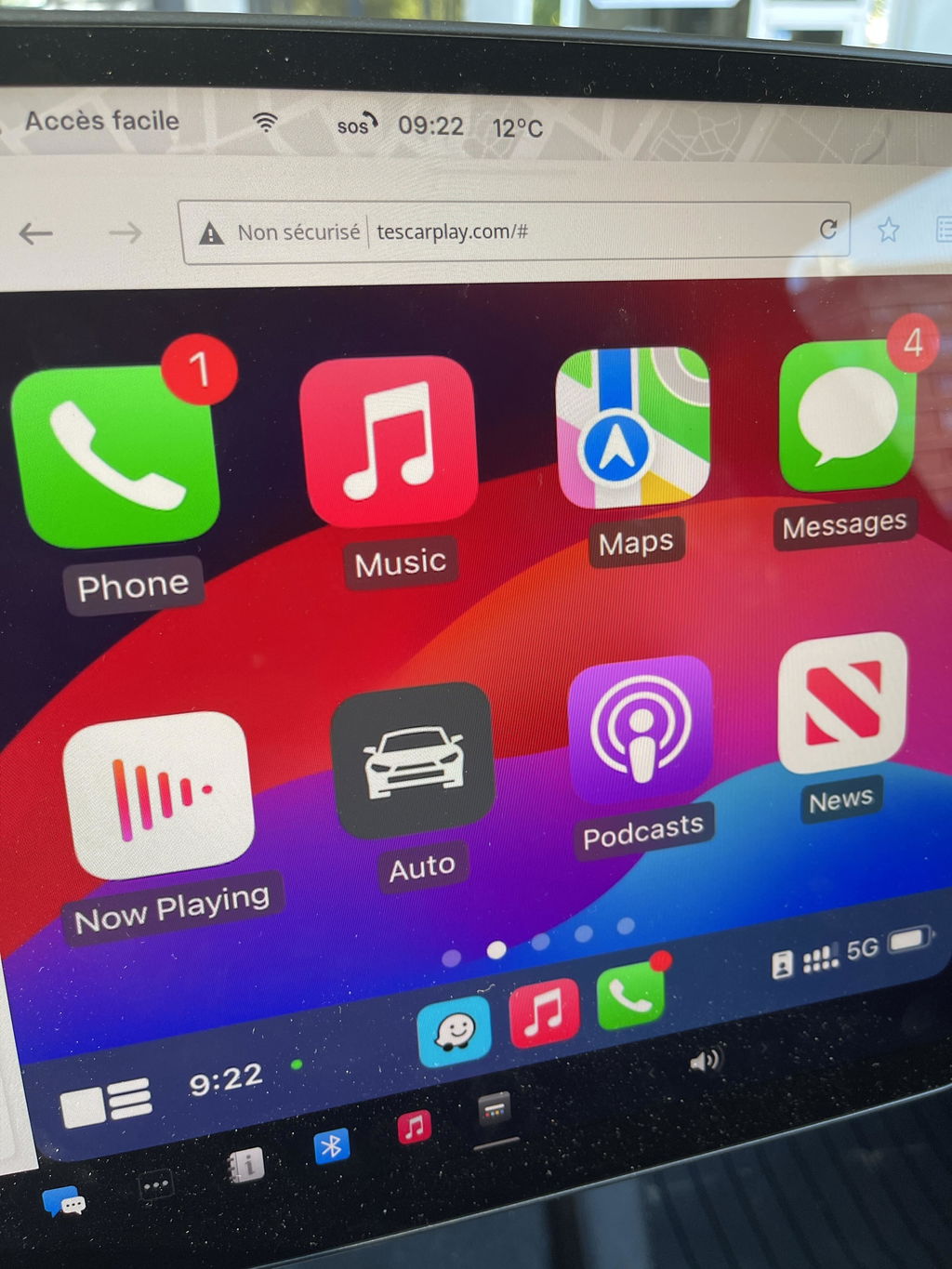
The Carlinkit T2C is specially designed for Tesla and helps Tesla upgrade with wireless Carplay/ Android Auto. It operates without a SIM card and allows you to use full CarPlay functionality through your browser.

✅ Wireless Apple CarPlay & Android Auto for Tesla
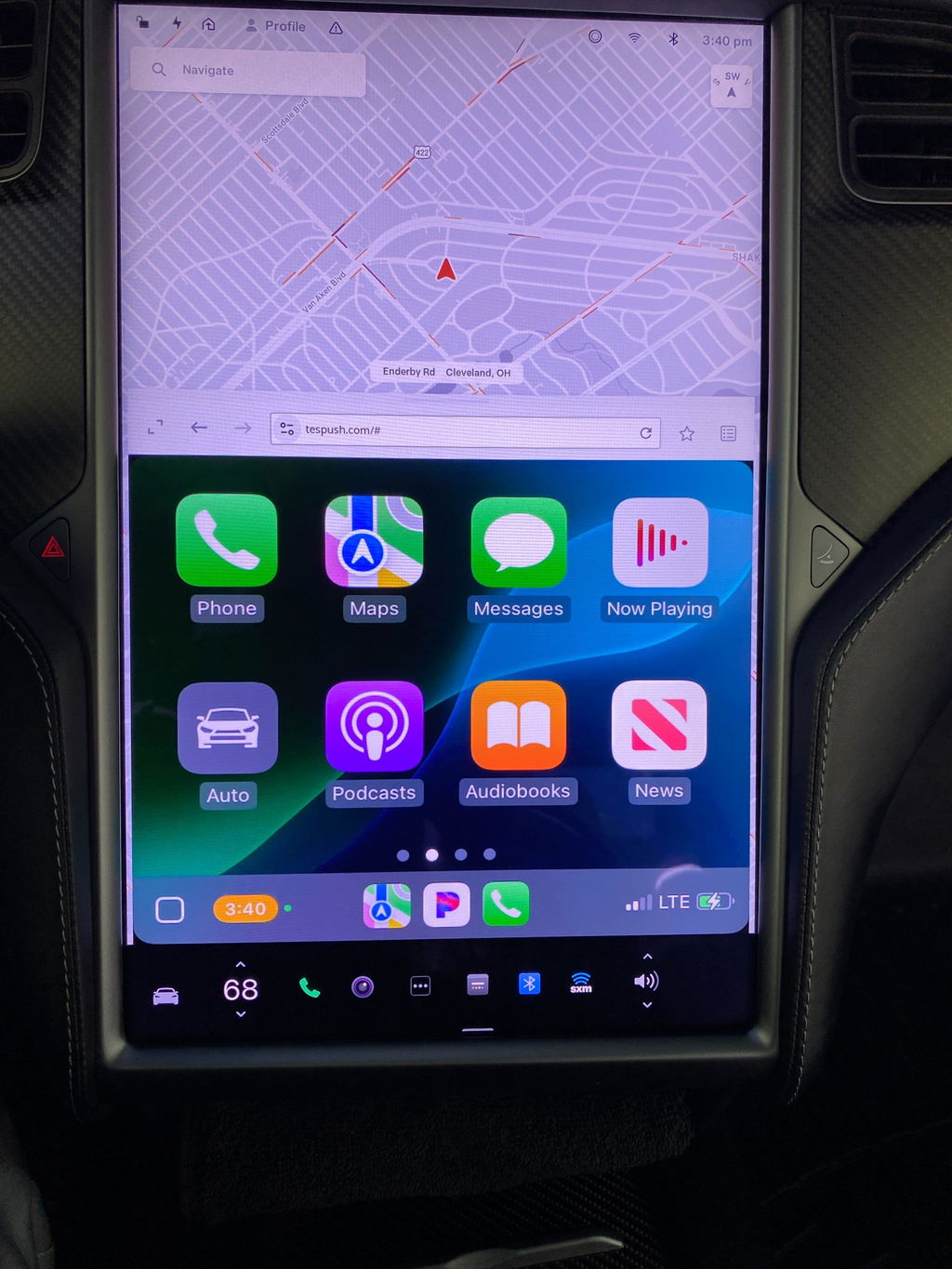
With the Carlinkit T2C Tesla CarPlay adapter, you can seamlessly upgrade your Tesla to feature wireless Apple CarPlay and Android Auto. Enjoy listening to music via your favorite applications, make phone calls, and summon Siri with just your voice. The Carlinkit T2C preserves Tesla's original car screen operating system while enhancing it with an interactive interface, ensuring a quick start to Tesla CarPlay and smoother operation.


✅ Activate Siri Voice Control in Your Tesla
If you are driving your Tesla alone and no one else can assist you in operating the screen, Carlinkit T2C could provide you with an aid to manipulate your Tesla. Just arouse Siri as you do on an iPhone, and then you can command your Tesla. Carlinkit T2C wireless adapter makes your car trip safer and more convenient.

✅ Download More CarPlay Apps from the App Store
Open the App Store on your iPhone, type "CarPlay" in the search bar, and download your favorite compatible apps to enhance your in-car experience.

✅ Enjoy Waze on Your Tesla Screen with Carlinkit T2C
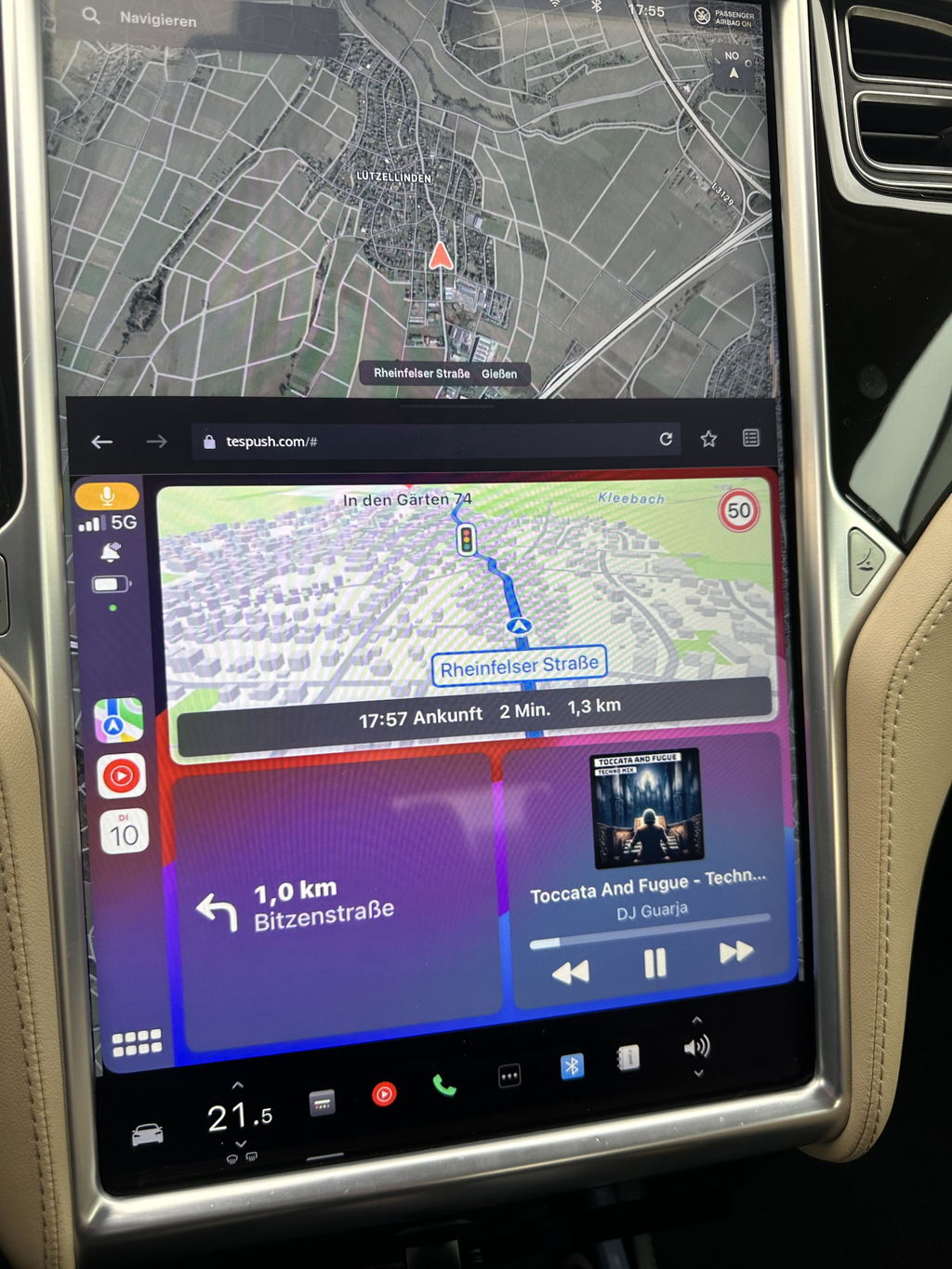
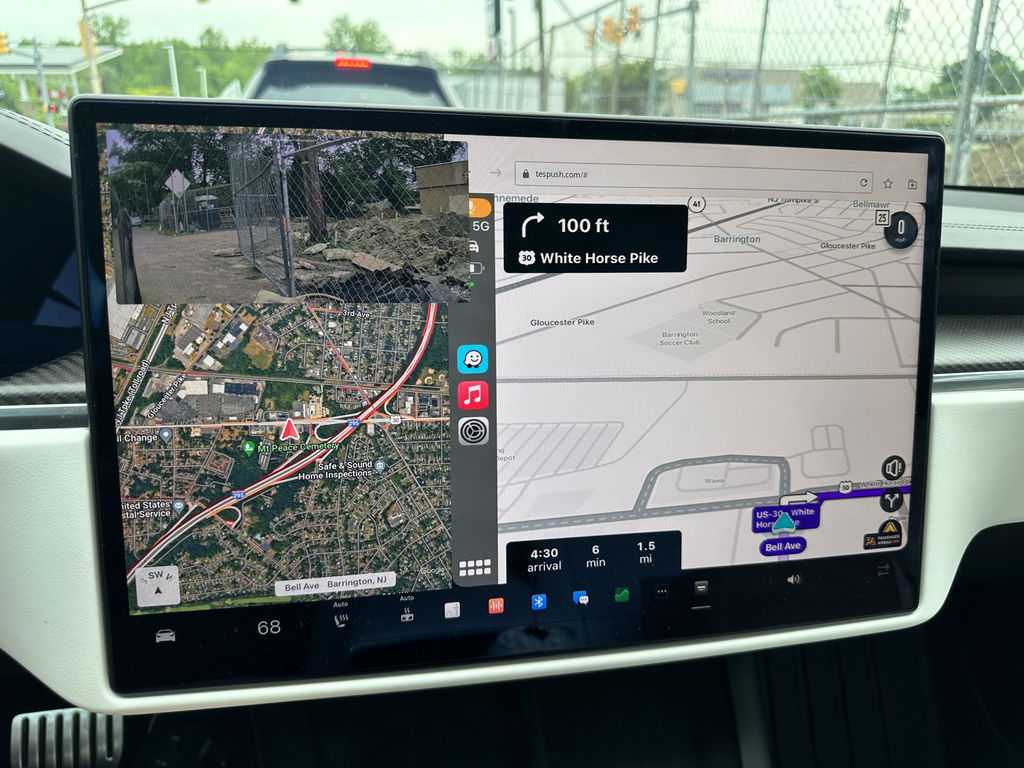
With Carlinkit T2C, easily bring online map apps like Waze, Google Maps, Apple Maps, and more to your Tesla’s screen. Enjoy real-time traffic updates and precise navigation for a safer drive.

✅ Split Screen for Multi-Tasking in Your Tesla
Enhance Your Tesla experience with Split-Screen functionality for Tesla Apple CarPlay. Effortlessly navigate between apps and enjoy seamless multitasking with our Carlinkit T2C wireless adapter.

✅ Dual-Band WiFi (2.4G + 5G) for Stable Connection
Enjoy dual-band WiFi with both 2.4GHz and 5GHz frequencies for reliable, fast, and smooth data transmission. Experience stable connections and seamless performance with Carlinkit T2C Tesla CarPlay adapter.

✅ How to Set Up Carlinkit T2C in Your Tesla?
1. Insert Carlinkit T2C into your Tesla’s USB port. Ensure your phone's hotspot is turned on before connecting.
2. Search for “Autokit-XXX” in your phone’s Bluetooth settings and pair it. Then select “Enable Wireless CarPlay”.
3. On your Tesla’s screen, search for Autokit-XXX in the Wi-Fi settings. Enter the default password: 88888888. Once connected, check the option “Remain Connected in Drive.”
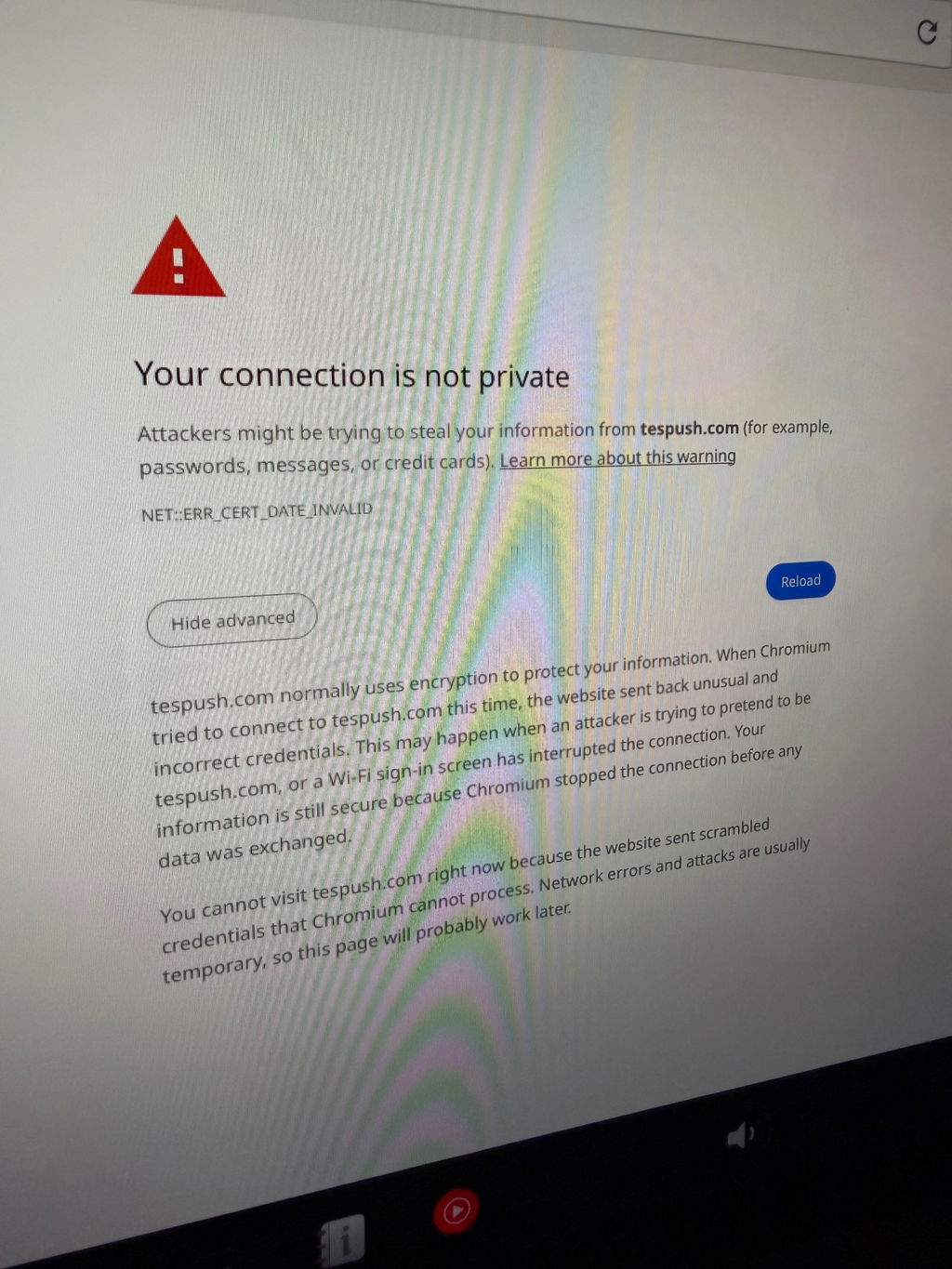
4. Open the browser on your car’s screen and go to tespush.com to start using Wireless CarPlay.
Note: After the connection is successful, go to the Bluetooth settings on your car’s screen and pair with your phone’s Bluetooth signal. Once paired, music and call audio will play through the car's system.

Carlinkit T2C LED Instructions:
LED 1: Mobile phone interconnection status. Slow flashing after successful interconnection.
LED 2: WIFI connection status. Green light will keep on after a successful connection.
LED 3: Power status indication. The green light will keep on after powering on.
LED 4: 4G status indication. Greenlight will keep on after networking.

Suitable for cars and mobile phones:
Applicable model: For Tesla all series models.
Tesla Model Y
Tesla Model S
Tesla Model 3
Tesla CyberTruck
Tesla Model X (may occasionally experience compatibility issues with our product, so we don't recommend it for owners of this vehicle model.)
If your model year is before 2018, the following conditions must be met when using T2C:
- Browser support is required.
- WiFi support is required (older cars may be unable to search for 5G signals, so you need to switch to 2.4G for the mobile device's connection).
- Tesla's browser must be upgraded to Chrome 94 or a newer version.
Support iPhone 6 and newer IOS 10 or above.
Support Android phones with Android 11.0+.
Carlinkit T2C Specifications:
| Model | CPC200-T2C |
| MFI | 337S3959 |
| Power Input | 5V±0.2V⎓1.0A |
| Power Consumption | 3W |
| WiFi Frequency | 802.11a/b/g/n/ac, 2.4G+5G |
| Bluetooth Version | 4.2 |
| Material | ABS+PC |
| Color | Black |
| Surface Treatment | CD pattern |
| Pressing Method | Buckle |
| Compatible Mobile Phone | iPhone 6 and above, iOS 10 and above |
| Compatible Car | For Tesla all series model |
| Resolution | Adaptive (maintain the original protocol resolution) |
| Language | Automatically switch according to the vehicle language environment |
| Date Cable | USB-A to USB-C*1 L=500mm |
| Connection Hints | Wireless connection |
Packing List:
Packing box * 1, Product * 1, Data cable * 2, Product manual*1


Tips:
- The latest version of Carlinkit T2C no longer requires a SIM card for operation. Instead, the device connects wirelessly through your phone’s hotspot, allowing you to enjoy Wireless CarPlay or Android Auto seamlessly in your Tesla.
- The following countries and regions cannot use Carlinkit T2C products: Taiwan, Hong Kong, and Australia.
- When using Carlinkit T2C in Israel, if there is a situation where the box WiFi cannot be found by both the mobile phone and the car, please try to modify the T2C Wi-Fi channel to 36-44 (the reason is Israel only supports channels 36-44, and the T2C box defaults to 149).
- When accessing Tespush.com, if the car screen displays 'Waiting for Connection,' please note that this is not an issue with the box. Ensure your car system is connected to the Carlinkit T2C box's Wi-Fi before visiting the website.
- To upgrade the Carlinkit T2C Tesla Apple CarPlay adapter, please refer to this guide on how to upgrade the Carlinkit T2C.

337 Excellent Reviews