




Note: Please follow the video tutorial to insert the SIM card, otherwise the card slot will be damaged.
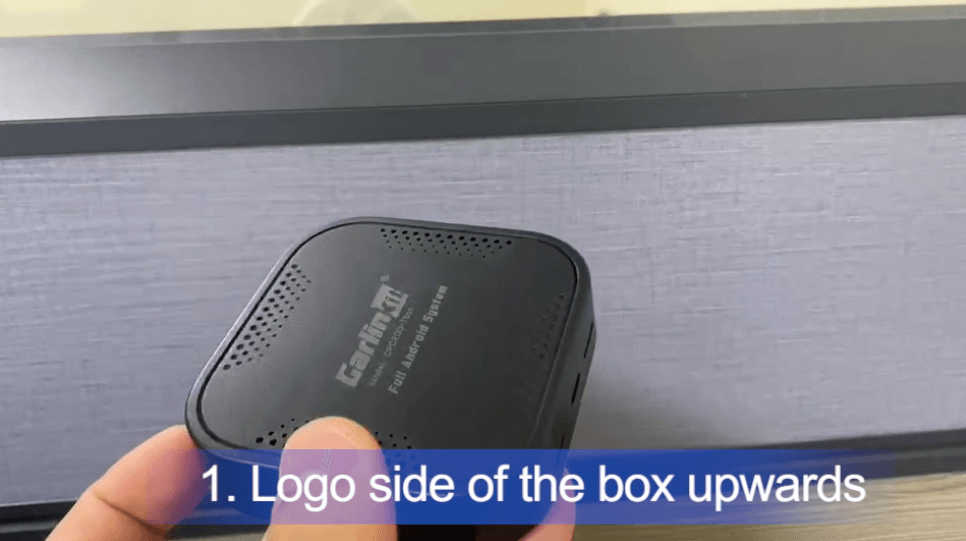
1. Please make sure the logo side of the box is upwards.
2. Please make sure the copper contact of the SIM card is downwards.
3. Insert the SIM card in the correct direction.


video tutorial: https://vimeo.com/674720677


