




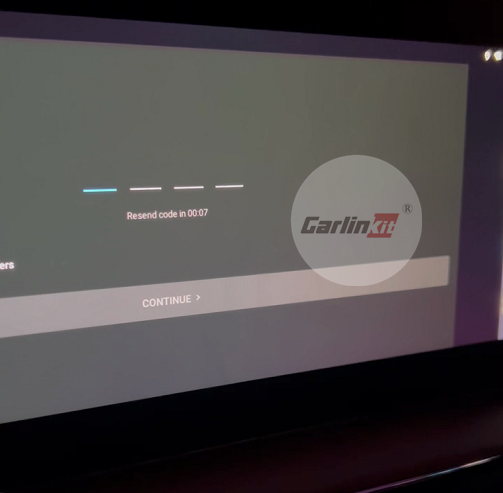
Disney+ Hotstar can not enter the verification code problem (cell phone number and other information can be entered, but the verification code here will not pop up the keyboard)
Solution: Insert the SIM card into TBox and use the SIM card number to log in, the system will automatically fill in the verification code it receives
Other apps can also follow this method if this problem occurs.


